
K2000 Release Version 12
We are pleased to announce the release of our new K2000 Version 12. Our sincere thanks go to our valued Haite customers, whose valuable contributions have significantly contributed to this success. Without your support, none of this would have been possible!
These are just some highlights of the over 40 improvements in this version. Read on to learn about all the updates.
If you are a maintenance contract holder, you can download the latest version here for free:
Key New Features in K2000

ISYBAU XML File Validation
Automatic validation of ISYBAU XML data during import and export. This enables quick quality control of the data.Shortcuts for Defects
Frequently occurring defects can be selected with just one button click.
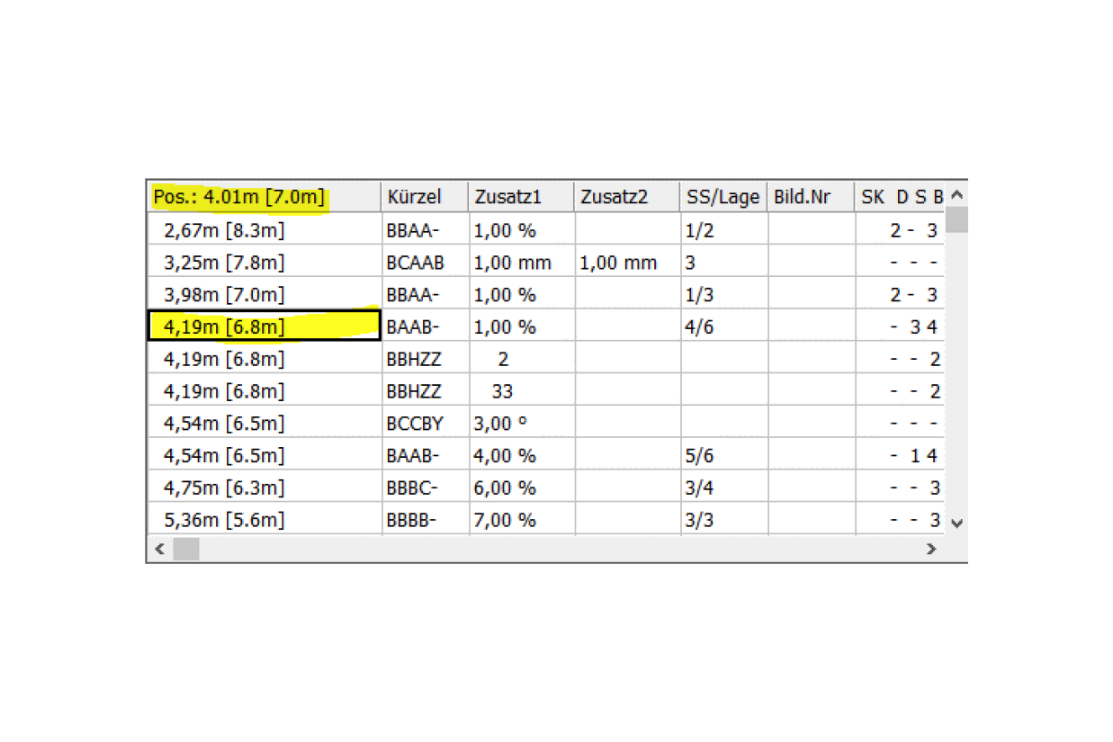
Highlight Active Defect Position
To make the active defect more easily recognizable during inspection, its position is now highlighted. This allows for faster and easier localization.Easy Capture of Sections and Pipes in the Office
Sections and pipes can now be captured in the office version just as easily as in the vehicle. After entering the header data, defects can be captured directly. An empty report is no longer created.

Quick Video Folder Switching
If working with changing video folders in the office, you can now quickly switch between them. This allows video files to be better organized and distributed. For example, all files from a major customer can be stored directly in their own folder.Easy Work Preparation
The transfer of projects and master data between office and vehicle has been revised.

Improved Management of Continuous Defects
The "Continuous defect" button is now also displayed in the notation list when open continuous defects are present. This allows continuous defects to be easily closed with a single button click.Additionally, we have optimized the defect table for manholes. A dedicated column for continuous defects has been added to further simplify defect editing.
GPS Location
GPS coordinates are now also determined during leak testing and added to the report.

Improved IBAK Panoramo Support
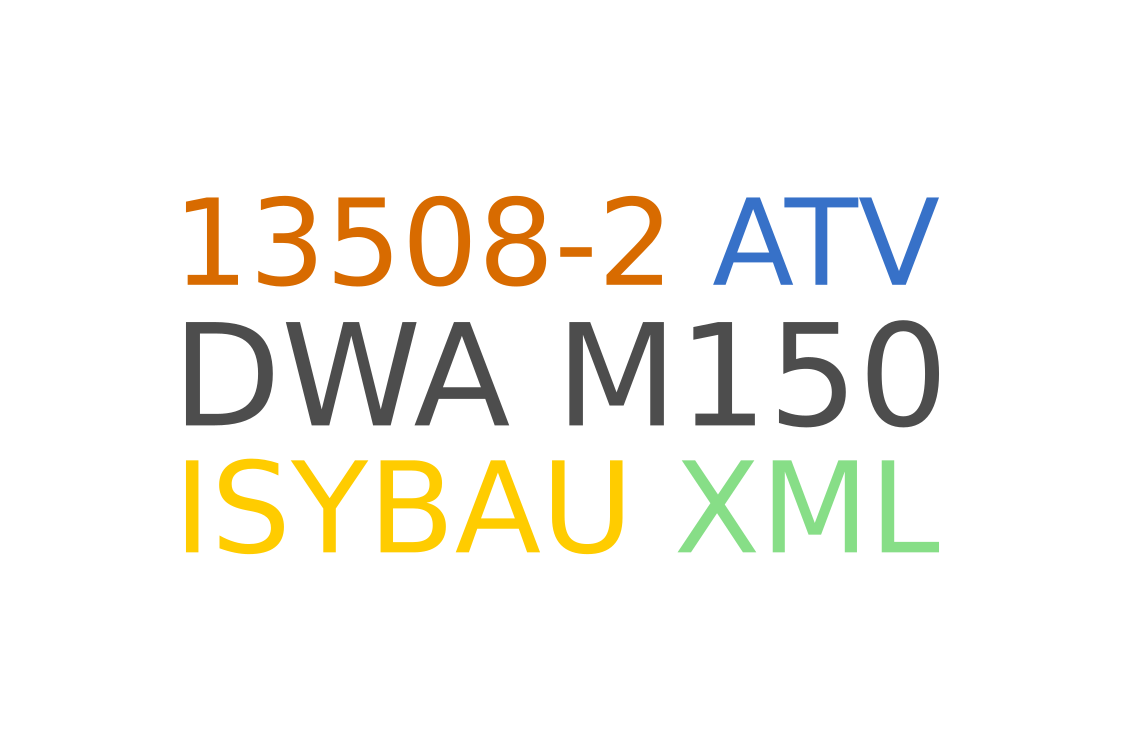
The IBAK Panoramo camera is supported both in the inspection vehicle and in the office version. This allows objects to be inspected in the office version and delivered via the KS2000 viewer.- Viewer data (angle and viewer position) can be transferred with ISYBAU XML and DWA M150.
- Continuous defects are closed as in conventional section capture
- Manual modification of Panoramo viewer data such as Phi, Bi, brightness etc. also without IBAK dongle.
- A Panoramo capture can now be quickly started via a separate toolbar button.
- When capturing Panoramo reports, multiple defects can be captured at one position.
Settings Enhancements
- Default paths for export and transfer.
- Backup of settings in the vehicle.
- Transfer of additional project settings between office and vehicle.

Key New Features in GS2000
Import and Export of Geoinformation
- Export of cover and invert coordinates of manhole objects to ISYBAU XML.
- Export of the route of combined (merged) pipes.
- Import master data without heights.
- Ignore manholes when importing master data.
- Ignore faulty point heights and manhole coordinates during import.
Height Correction of Pipes
Height correction of pipes that are outside the visible area has been greatly simplified.

Positioning of the Inspection Start
In K2000, inspection start points can now be easily moved to surveyed connections. The connections must be available as master data.Print Settings
Reuse of print settings from other properties.

Camera Image During Camera Retraction
Simplifies camera control and threading during connection inspections.Further Improvements
- The Explorer and Device Manager can now be opened via the File menu.
- During leak testing, the remaining test time and pressure drop are displayed.
- The KS2000 viewer now offers the option to output reports via batch printing.
- Editing defect descriptions is now even easier. Individual data can be changed more conveniently via the keyboard. The fields are directly accessible and enable fast and efficient editing.
- The export protocol for property inspections has been extended with a useful function: Warnings regarding missing coordinates are now also displayed. This allows problems to be identified and resolved in time before undesirable consequences occur.
- ISYBAU XML interface: The "Length" field refers to the SMP length (manhole center point) and is entered in the additional mask. The "Pipe length" (pipe start - pipe end) is in the main mask.
- Geoinformation for manholes can now also be exported from GS2000.
- During M150 master data export, invert coordinates are now also transferred.
- Temperature and water level have been added to the database and can now be transferred via the M150 interface.
- Support for the satellite meter value on Minicam systems.
- The header mask can now be hidden in general. This now also works, for example, with IBAK Softcontrol.
- The Rausch settings file "winkanal.ini" can be opened via the menu "Rausch System Configuration".
- Support for Rausch Omicron